

Starting a website can feel like a big project. You may be wondering what to build, which pages you need, and how to turn an idea into a finished site.
A simpler approach is to start with one audience and one useful purpose. Your first website does not need dozens of pages or advanced features. It needs a clear idea, a basic structure, and useful content.
This guide shows you how to start a website with Hostinger in seven practical steps, from choosing an idea to preparing your site for launch. Hostinger is one platform you can explore for building and hosting a website. Its AI Builder is available with eligible hosting plans, and an active plan is required to create or publish a project and keep it accessible. Check the current requirements and plan details before choosing. See Hostinger AI Builder hosting requirements.
1. Decide what your website should help people do
Before choosing a design or builder, write down what the website is for. Your site might help visitors learn about your work, find your projects and contact information, explore research topics, or follow practical AI tutorials.
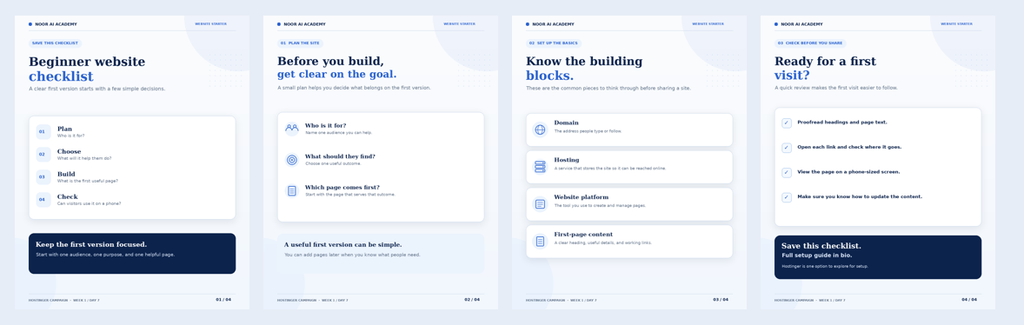
A clear purpose makes it easier to decide what content belongs on the website. Try completing this sentence: This website helps [audience] do or learn [useful purpose].
2. Understand the basic parts of a website
- Domain name: the address people use to visit your website.
- Hosting: the service that stores your website files and makes them available online.
- Pages: the sections that organize your information.
- Content: the text, images, resources, and other material visitors come to see.
Some platforms combine several setup steps in one place. Check which plan and features you need before you begin, and review renewal terms as well as any usage limits.
WordPress, an AI website builder, or a web app?
These terms describe different parts of building online. WordPress is a content management system (CMS): it helps you create and manage pages, posts, and other site content. An AI website builder is a tool that can use your instructions to generate a starting design or project. A web app is built around interaction, letting visitors complete tasks in a browser, such as submitting information, searching records, or using a calculator.
| Option | What it is useful for | What to consider |
|---|---|---|
| WordPress | Blogs, resource libraries, portfolios, and sites that you plan to update regularly. | You choose and manage the theme, plugins, content, and hosting setup. |
| AI website builder | Getting an initial site or layout from a written brief and then editing it. | Review the generated text, structure, and design; available controls depend on the builder. |
| Web app | A browser-based tool with interactive features, such as forms, search, or user-specific results. | Plan the user workflow and data handling; more complex apps may need additional development. |
These options can overlap. A WordPress website can include interactive tools, and some AI builders can generate web apps as well as standard websites. Hostinger’s documentation describes using AI Builder to create both website and web app projects; check the current requirements before starting (Hostinger’s web app guide).
Choose based on what you need to publish: organized content, a fast first website draft, or a tool visitors can use. The labels matter less than the purpose and the features your project actually needs.
3. Turn your idea into a simple page structure
Outline your pages before you start designing. A student portfolio could include Home, About, Projects, Skills, and Contact. A research profile might include Research Interests, Publications or Projects, Useful Links, and Contact. An AI learning website could organize tutorials, study resources, and project examples into separate sections.
Keep the first version manageable. You can add more pages as you learn what visitors need.
4. Choose a website idea that fits your audience
Here are five starting points for students and people learning about AI:
- Student portfolio — present projects, skills, and learning milestones.
- Research profile — organize research interests, publications, and relevant links.
- AI tutorial blog — explain tools and workflows through clear, practical guides.
- Study resource site — collect notes, explanations, and learning materials by topic.
- Project showcase — document experiments, assignments, or personal projects.
Choose one idea that you can support with useful content. A focused first version is easier to plan and improve.
5. Build a first draft, then refine it
An AI website builder can help turn a written description into an initial website draft. That draft still needs your review: check whether the pages match your purpose, replace generic text, and make sure the information is accurate.
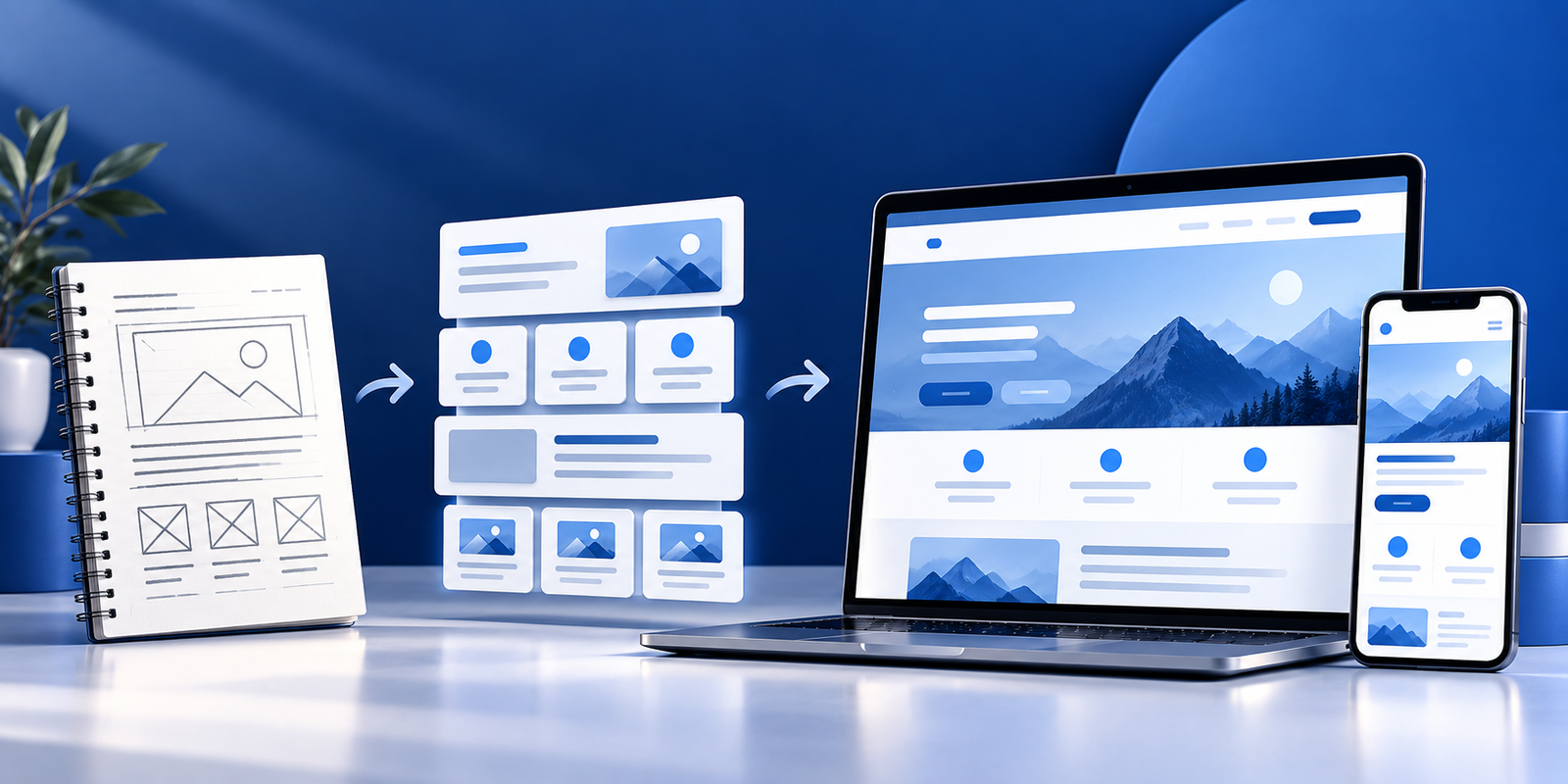
A practical workflow is: Idea → Structure → Build → Review → Refine.
If you use Hostinger AI Builder, check the current eligibility requirements before starting. Hostinger’s documentation lists Web Hosting, Cloud Hosting, and Agency Hosting as compatible plans and says VPS hosting is not compatible with AI Builder. Requirements can change, so confirm them on Hostinger’s official support page.
6. Use your website and social media for different jobs
A website can serve as a central place for your pages and resources. Social media can help you share updates and bring people to those pages. For example, publish a detailed tutorial on your website, then share a short explanation on social media that points readers to the full guide.
You do not need to be active everywhere. Start with the platforms you can maintain consistently, and keep your links and descriptions current.
7. Use a beginner checklist before launch
- Is the purpose clear on the home page?
- Do the page names make sense?
- Have you replaced placeholder text and images?
- Do links and buttons work?
- Is the text readable on a phone?
- Have you checked the contact details?
- Do you understand the hosting plan, renewal terms, and feature limits?
A website builder can provide a starting point, but reviewing the finished site is still your responsibility.
Start with one useful page
Your first website can begin with a single useful page: a portfolio, a research profile, a tutorial, or a set of study resources. Build around a real need, review the result, and expand when you have a reason to.
Hostinger is one option to explore for website building and hosting. Compare its current plans and features with your needs before deciding. Explore Hostinger’s current options.
Related guides
This section can grow as we publish more Hostinger tutorials:
- How to plan your first website
- How to create a student portfolio
- How to build a website with an AI builder
- Website vs. social media: choosing the right home for your content
- Beginner checklist for launching a website
Affiliate disclosure: This article contains an affiliate link. Noor AI Academy may earn a commission if you purchase through it, at no additional cost to you.