

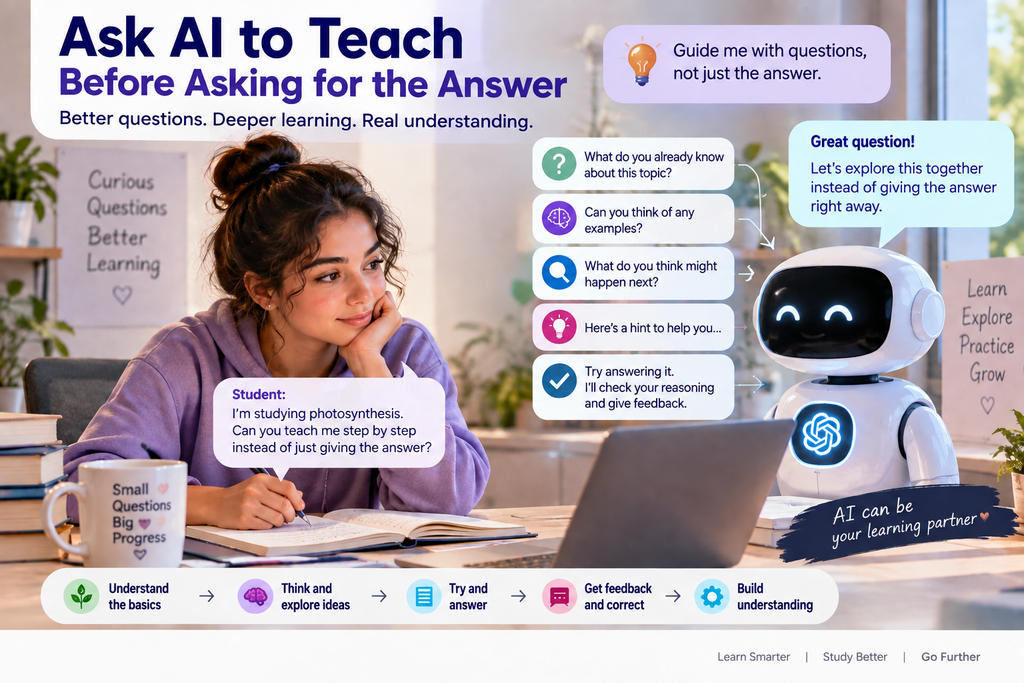
Learning how to study with AI effectively starts with one important distinction: getting an answer is not the same as learning. Generative AI can explain a difficult concept in seconds, summarize pages of notes, generate practice questions, and help you prepare for an exam. That convenience creates a new problem: getting an answer is not the same as learning something.
If a student asks an AI assistant to solve every difficult question immediately, the assignment may become easier while the learning becomes weaker. A better approach is to use AI as an interactive study partner: one that asks questions, gives hints, challenges your reasoning, and helps you discover what you do not yet understand.
1. Ask AI to teach before asking it to answer
Instead of starting with “Solve this problem for me,” change the role of the AI. Ask it to help you reach the solution yourself. ChatGPT Study Mode is designed around interactive questions, scaffolded explanations, knowledge checks, and feedback. Gemini Guided Learning follows a similar philosophy by helping learners work through concepts step by step.
Reusable prompt: I am learning [topic]. Do not give me the final answer immediately. First ask me what I already understand. Then guide me step by step using questions and small hints. After each major step, check whether I understand before continuing.
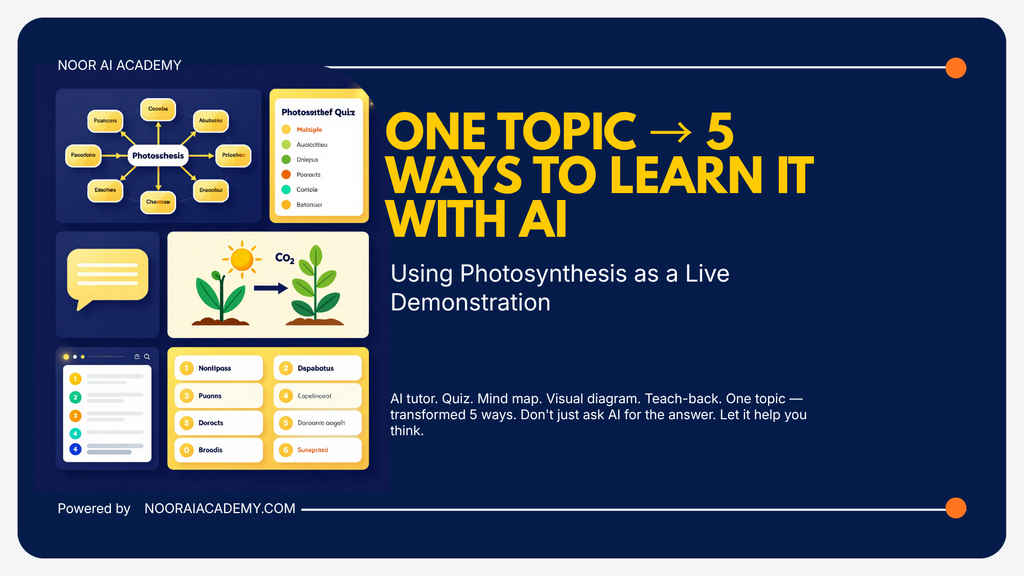
Want a quick visual example? See our Instagram carousel to discover five practical ways to learn one topic with AI—and copy the prompts to try them yourself.
View the 5 Ways to Learn With AI carousel on Instagram → ONE TOPIC → 5 WAYS TO LEARN IT WITH AI
2. Use your own course materials
Generic explanations can help, but your exam is usually based on your course. Upload permitted lecture notes, slides, worksheets, or readings and tell the AI exactly what material should guide the session.
Reusable prompt: Use only the course material I uploaded for this study session. Identify the five concepts I most need to understand, but do not summarize everything at once. Teach me the first concept, ask me two questions to check my understanding, and continue only after I answer. Clearly tell me if something I ask is not covered by the uploaded material.
3. Make AI test you before it explains
Reading a polished summary can create familiarity without real recall. Instead, ask AI to test you before showing the answer.
Reusable prompt: Quiz me on [topic] with 10 questions, one at a time. Do not show the answer until I respond. After each answer, tell me whether my reasoning is correct, explain the misconception if I am wrong, and keep track of the topics I struggle with. At the end, give me a short revision plan based only on my weak areas.
4. Ask for explanations at multiple levels
When a textbook explanation is too difficult, start simple and rebuild the complexity. Ask for a beginner explanation, then an undergraduate-level explanation, and finally ask what important details were omitted from the simplified version. This creates a mental framework without permanently losing technical depth.
5. Explain the concept back to AI
Reverse the roles. Instead of asking AI to explain the subject, explain it yourself and ask AI to identify gaps.
I will explain [concept] in my own words as if I were teaching another student. Do not rewrite my explanation immediately. First identify anything that is scientifically incorrect, incomplete, or unclear. Then ask me questions that help me correct those gaps myself.
6. Separate studying from research
Studying a concept and researching a claim are different tasks. If you are trying to understand a concept, an AI-generated explanation can be an excellent starting point. If you are writing an academic claim involving specific findings, numbers, authors, or citations, you need evidence from the original research literature.
Verify important claims, quotations, citations, author names, publication details, and DOIs against original sources before using them. A reference that looks perfectly academic can still contain incorrect details.
Use AI to understand. Use evidence to substantiate.
7. Use AI to find your weak spots
After a quiz, ask AI to group your mistakes by concept rather than merely counting your score. For example: “Based on my answers, which three concepts are causing most of my mistakes? Give me one targeted exercise for each weakness.” This turns a generic study session into targeted revision.
8. Know when to turn AI off
An AI study partner should eventually become unnecessary. Before an exam, solve questions without AI assistance. Explain the topic from memory. Reconstruct the diagram yourself. Work through the calculation without hints. If you cannot do the task independently, you have found the next thing you need to learn.
ChatGPT Study Mode and Gemini Guided Learning
The broader trend matters more than choosing a winner. ChatGPT Study Mode is designed to encourage active participation through guiding questions, layered explanations, knowledge checks, course materials, and feedback. Gemini Guided Learning similarly emphasizes step-by-step understanding rather than simply delivering a final response.
How to Study With AI: A Simple Six-Step Workflow
Understand → Attempt → Get feedback → Correct → Retrieve again → Verify.
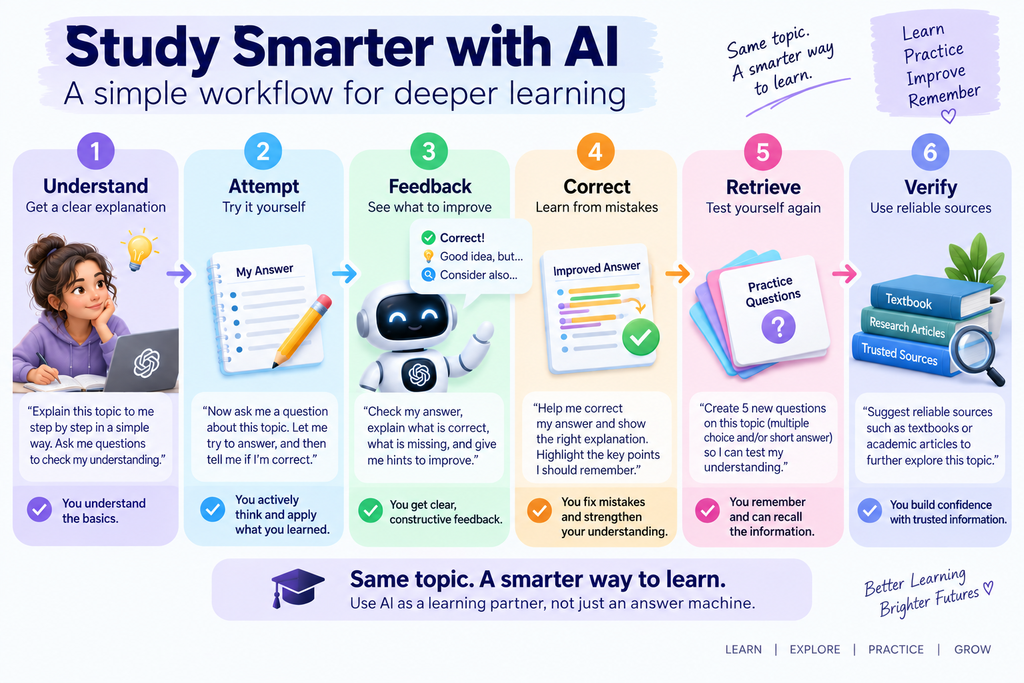
How to study with AI using a six-step workflow: understand, attempt, feedback, correct, retrieve, and verify.
Ask AI for guidance. Attempt the problem yourself. Let it diagnose the mistake. Correct your reasoning. Test yourself again without help. Whenever the task moves from learning into academic research, verify important factual claims and references against reliable original sources.
AI can shorten the path to an explanation. It should not remove the thinking that turns an explanation into knowledge.
Official resources
Related reading: If you want to move from studying into research-focused AI workflows, see 3 Practical AI Workflows for Research and Work. For visual and research-oriented prompting ideas, explore Canva AI 2.0 in Practice.




Comments 3